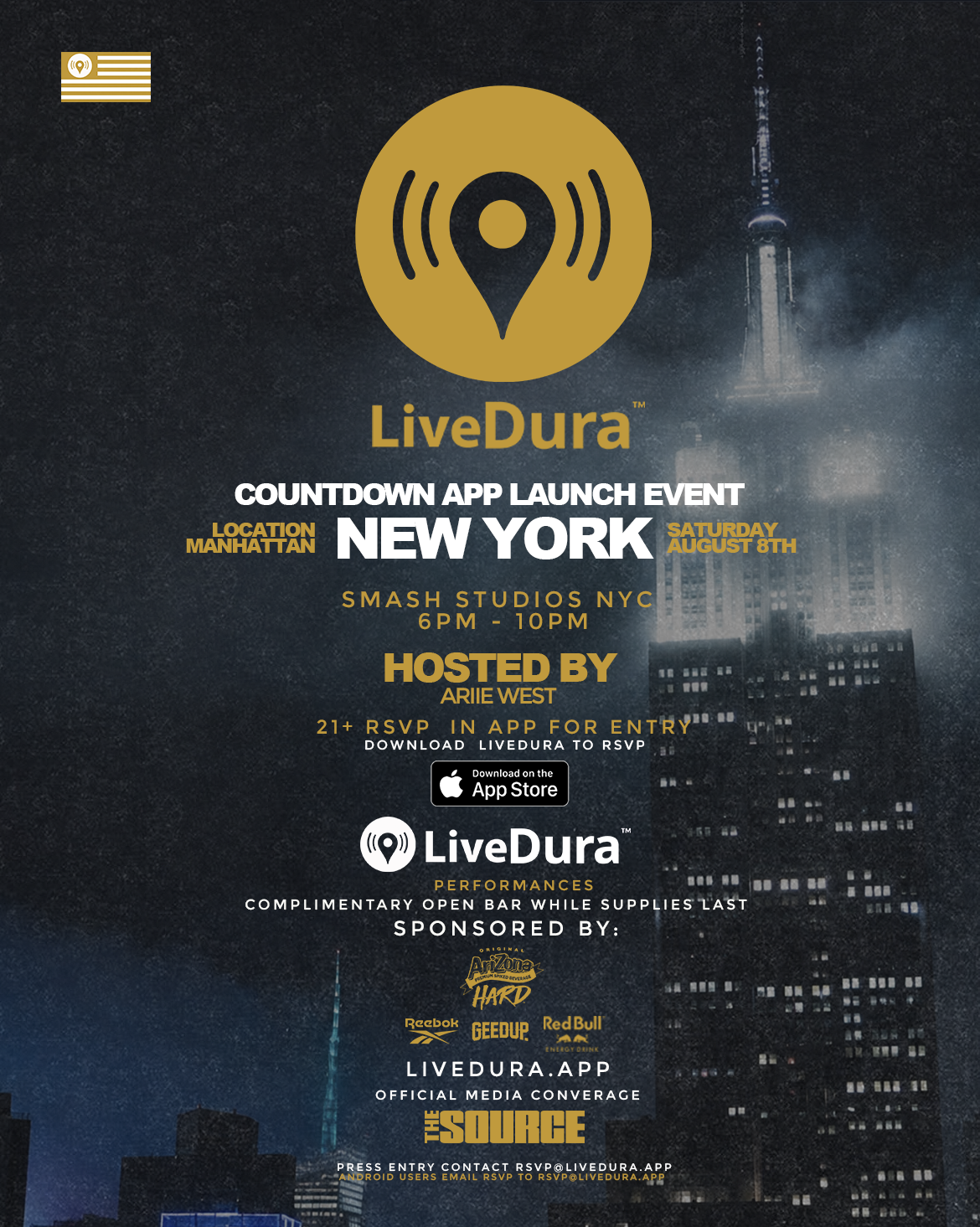



How to RSVP
- Click the RSVP button on this page.
- Download the LiveDura app.
- Open the app and create your account.
- Press the RSVP button inside the app.
- Check your email for your RSVP confirmation.
RSVP Confirmation
Your confirmation email may appear in your Spam, Promotions or Other folder.
Search your inbox for an email from rsvp@livedura.app.
Press Access
Email rsvp@livedura.app with the subject line Press Request.
Include your name, social-media handle, agency or publication , and a website, article or portfolio link.
Check your email for a reply from rsvp@livedura.app. Upon arrival, let the door host know that you are press.
iPhone Entry
iPhone users must show the LiveDura app installed, the “You Are RSVP’d” message inside the app, and a valid government-issued photo ID for entry.
Android Entry
LiveDura is not currently available in the Google Play Store, but Android users are welcome to attend.
Android users should simply show their Android phone and a valid government-issued photo ID to the door host for entry.
Press & Special Guests
Approved press and confirmed special guests are not required to download the LiveDura app.
Please have your confirmation email and valid government-issued photo ID ready at the door.
Age & Admission
This event is strictly 21+. Every guest must present a valid government-issued photo ID.
Admission is subject to RSVP verification, security screening and venue capacity.
Security, Bags & Coats
Guests may bring small purses, clutches and waist bags. All permitted bags and coats are subject to a security inspection upon entry.
A bag or coat check means a security screening. It does not mean that the venue will store or hold your coat or belongings.
Large backpacks, duffel bags and other large bags are not permitted unless they belong to approved staff, media or performers.
No bottles, outside beverages or outside drink containers are permitted inside the venue.